
How to access 1link Hire Network Insights
How to activate a user for 1link Hire Network Insights
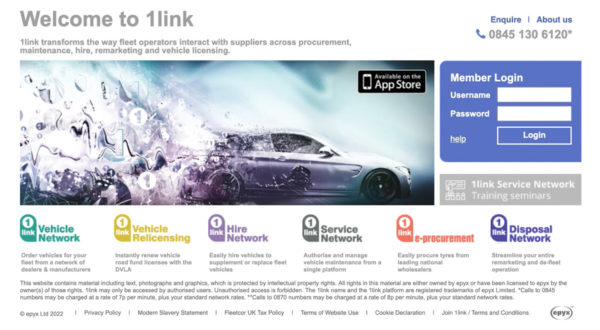
1. Log into 1link Hire Network at 1link.co.uk
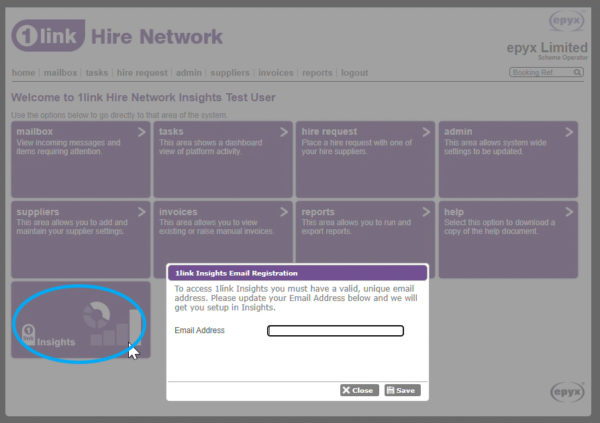
2. Click on the 1link Insights tile on your home screen
3. Enter a unique email address and click save. A validation email is then sent to this email address
4. When received, the user needs to click the ‘confirm email’ button within the email
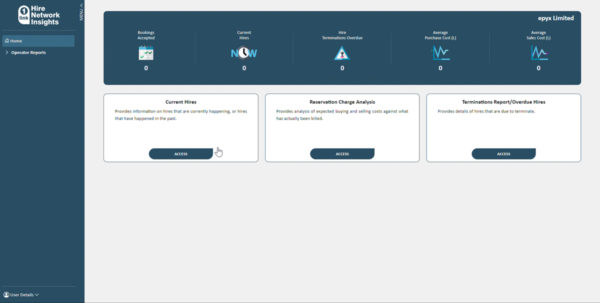
5. The next day, the user will have access to 1link Hire Network Insights
6. Log in and click on the 1link Insights tile to access it
If you need any further help call our team on 0870 011 8800*
*Calls to 0870 numbers may be charged at a rate of 8p per minute, plus your standard networks rates.